

There's a real art to hosting a good online game night. Anyone can drop a link in a group chat and say "let's play something." But the hosts who make it truly memorable — the ones where everyone's still talking about it two weeks later — they've thought through the details in advance. The good news is, none of it is complicated. Here's the full playbook.
Start With the Right Group Size
The sweet spot for most browser-based party games is 5 to 8 players. Below five, the social dynamics get thin and the game can feel low-stakes. Above eight, coordination starts breaking down — people talk over each other, votes get chaotic, and the slower players (not in terms of skill, just in terms of internet connection) drag the pacing down.
If you have 10+ people who want to play, consider splitting into two separate rooms of five and then reconvening afterward to compare stories. Both groups play simultaneously, then come back together and recount the drama. It works surprisingly well.
Decide on Your Games in Advance
The "what do we play" conversation at the start of a game night can eat 20 minutes if you let it. Decide on your rotation before anyone joins the call. For a two-hour session, a reliable structure looks like this:
- Game 1 (Warm-up, 30 min): Something quick and easy. Three or four rounds of Word Impostor is perfect — rounds are short, it gets everyone laughing, and the setup is literally 30 seconds.
- Game 2 (Main course, 45 min): Something slightly longer. Gartic Phone, Skribbl.io, or Jackbox works well here depending on your group.
- Game 3 (Wind-down, 30 min): Back to something familiar. Often this is more Word Impostor, because by now everyone wants to play with the strategies they picked up in game one.
Set Up a Dedicated Communication Platform
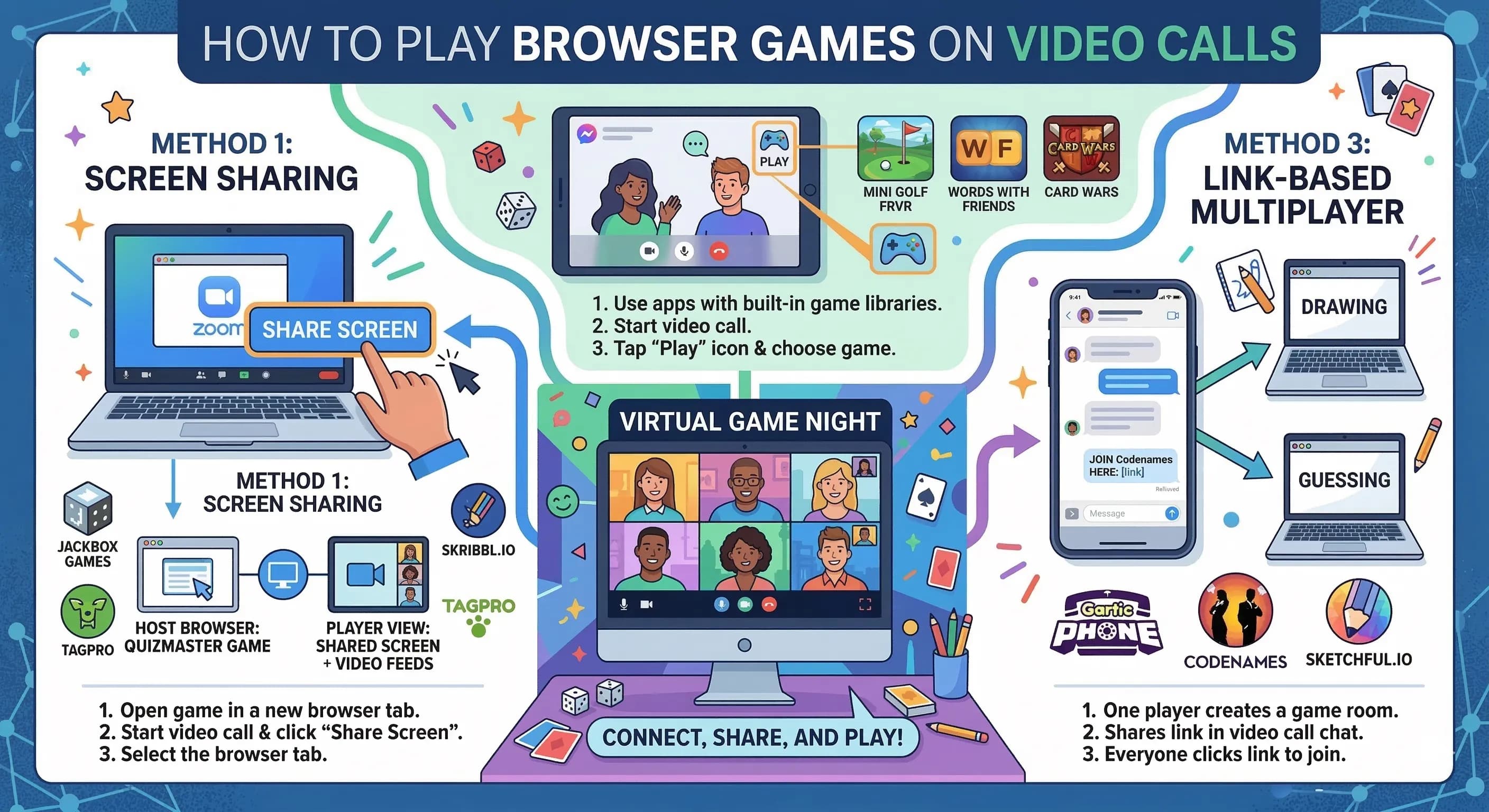
The platform you talk through matters. Discord is the gold standard for game nights — the voice quality is excellent, you can organize channels, and screen sharing is built in. Zoom and Google Meet work fine but have time limits and slightly worse audio processing for overlapping voices.
If you're using Discord, create a dedicated "game night" voice channel so everyone knows exactly where to go. Pin the game links in a text channel so no one has to dig through chat to find the Word Impostor room code.
Test Everything 10 Minutes Early
Join the call yourself 10 minutes before the scheduled start time. Create the first game room. Test the audio. Check that your screen share works if you're using it. This sounds obvious but the small technical issues that derail game nights — wrong audio input device, permissions not granted for screen share, Jackbox not recognizing the browser — all reveal themselves in that buffer window and can be fixed before anyone else joins.
Designate a Host Who Explains Rules
Even if a game is simple, someone needs to explain the rules clearly before round one starts. Designate yourself or one other person as the explained-rules person and make sure they keep it to under two minutes. Most online party games have simple enough rules that a two-minute overview covers everything. For Word Impostor specifically, you can literally explain it in four sentences: "Everyone gets a word. One person doesn't get it. Take turns saying one word as a clue. Vote out whoever you think is the impostor."
Manage Energy and Breaks
Online game nights tend to run longer than in-person ones — there's no natural "time to head home" signal. Build in a 10-minute break every hour. Let people refill drinks, step away for a moment, and come back refreshed. A group that's been laughing hard for 90 minutes without a break starts losing steam, and that's when game nights end awkwardly rather than on a high note.
Schedule the night to end at a specific time and stick to it. People appreciate hosts who respect that they have jobs and bedtimes. "Last round at 10:30, we wrap up by 11" is a statement that makes everyone feel comfortable, not rushed.
Create a Ritual and Make It Regular
The game nights people remember aren't one-offs — they're recurring events. Set a consistent day and time. "Every other Friday, 9pm" gives people something to plan around. Over time, the group develops shared history: moments you reference for weeks, ongoing rivalries, running jokes about who always identifies the impostor. That accumulated context makes every new game richer.
A Final Note on Accessibility
Make sure every game you choose works across the device range of your group. Some people will be on older laptops. Some will join from a phone. Browser-based games like Word Impostor are specifically designed to handle this — there's no high graphics requirement and no hardware limitations to worry about. Everyone just needs a browser and an internet connection.
Need help choosing your first game? Start with Word Impostor — create a room in 10 seconds and you'll understand immediately why it's the go-to for game nights across the internet.