

The logistics of family game night have changed. Half the family lives in different cities. The teenager communicates exclusively through Discord. Grandpa isn't downloading anything, under any circumstances. And somehow everyone is supposed to have fun together for two hours on a Saturday night through Zoom.
These are the games that actually work for multigenerational groups with mixed tech comfort levels — all accessible through a browser, no downloads required.
Word Impostor — The Family-Friendly Deduction Game
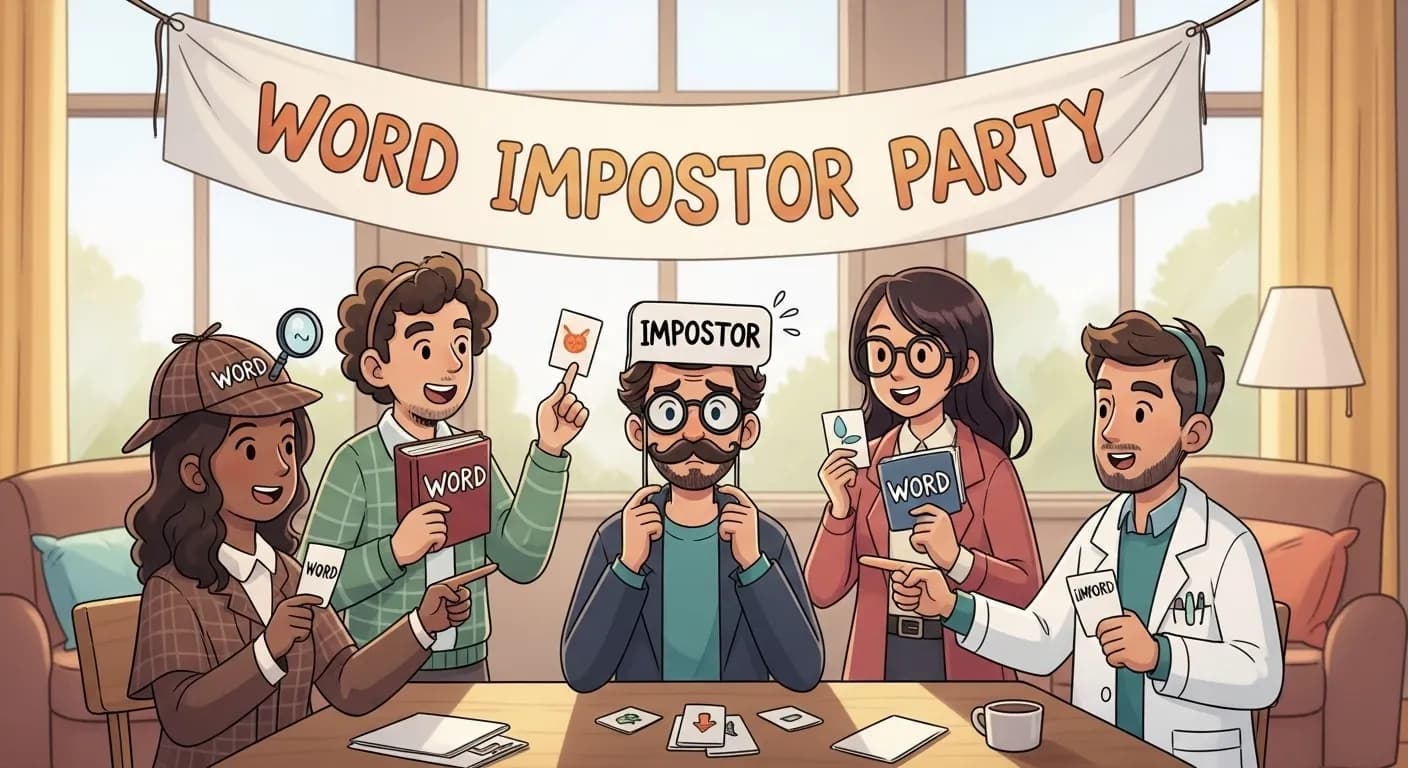
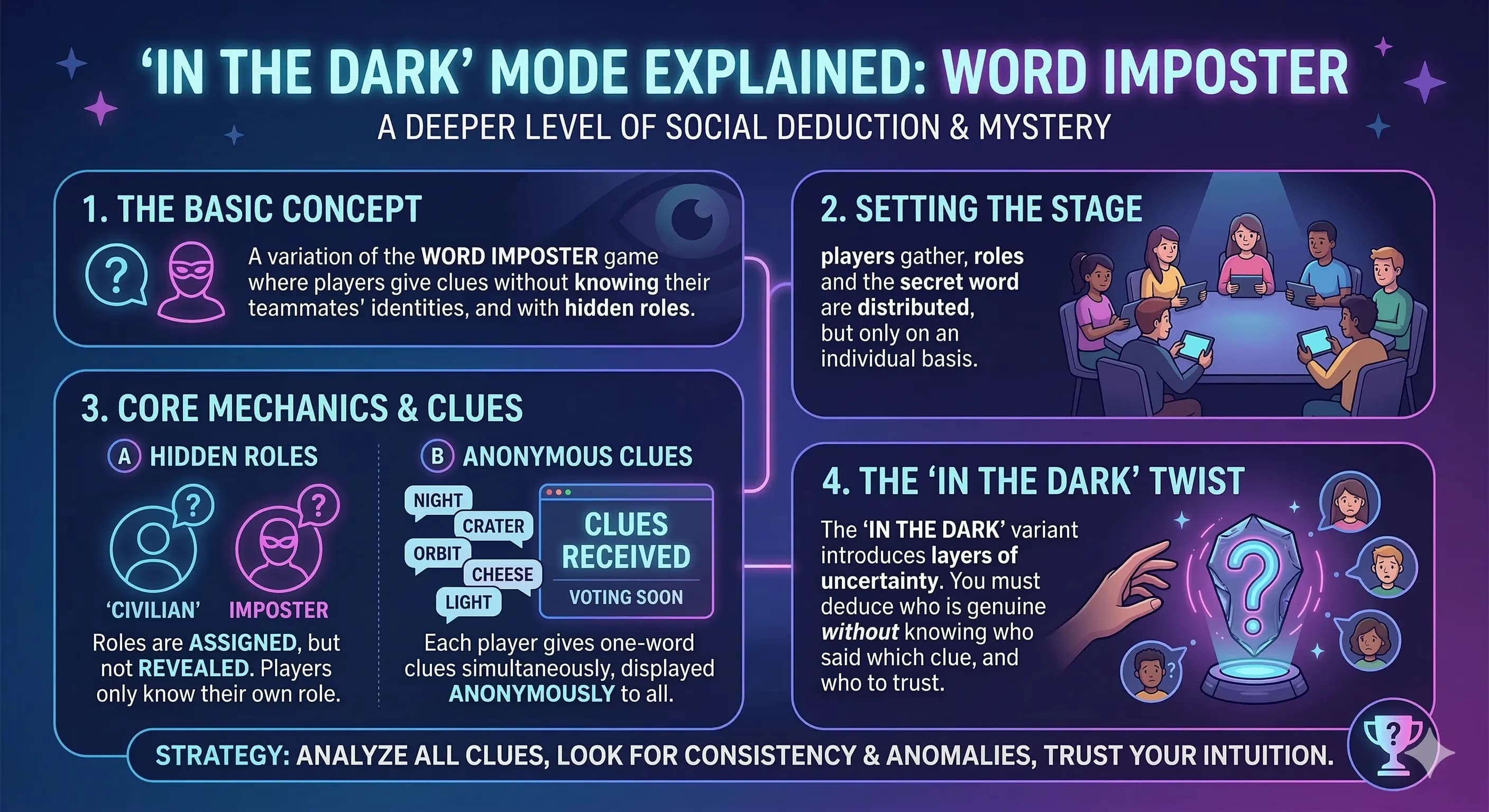
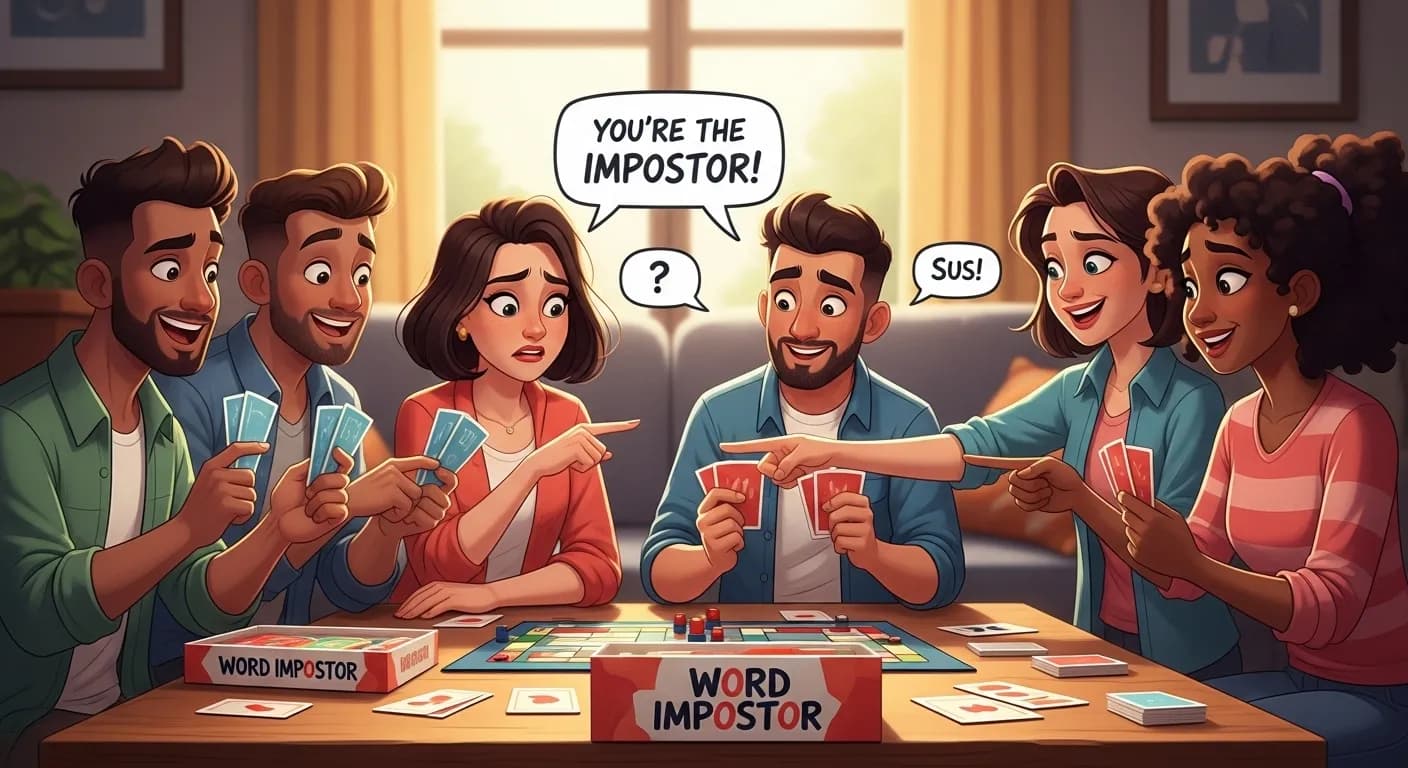
Word Impostor works beautifully for family game nights because the rules fit in one minute and the game rewards social intelligence over technical skill. Anyone who can read and has opinions about other people can play — which covers every age group that can participate in family game night.
A few family-specific tips: use the word categories to choose age-appropriate themes (food, animals, sports tend to be universally accessible). Set the impostor count to one for smaller families and two when you have eight or more. And accept that whoever at the table has the deadest poker face will become everyone's immediate suspect, regardless of whether they're actually the impostor. That's not a bug — it's a feature.
For parents introducing it to younger players, read the complete rules guide first so you can answer questions confidently during round one.
Skribbl.io — Drawing for All Ages
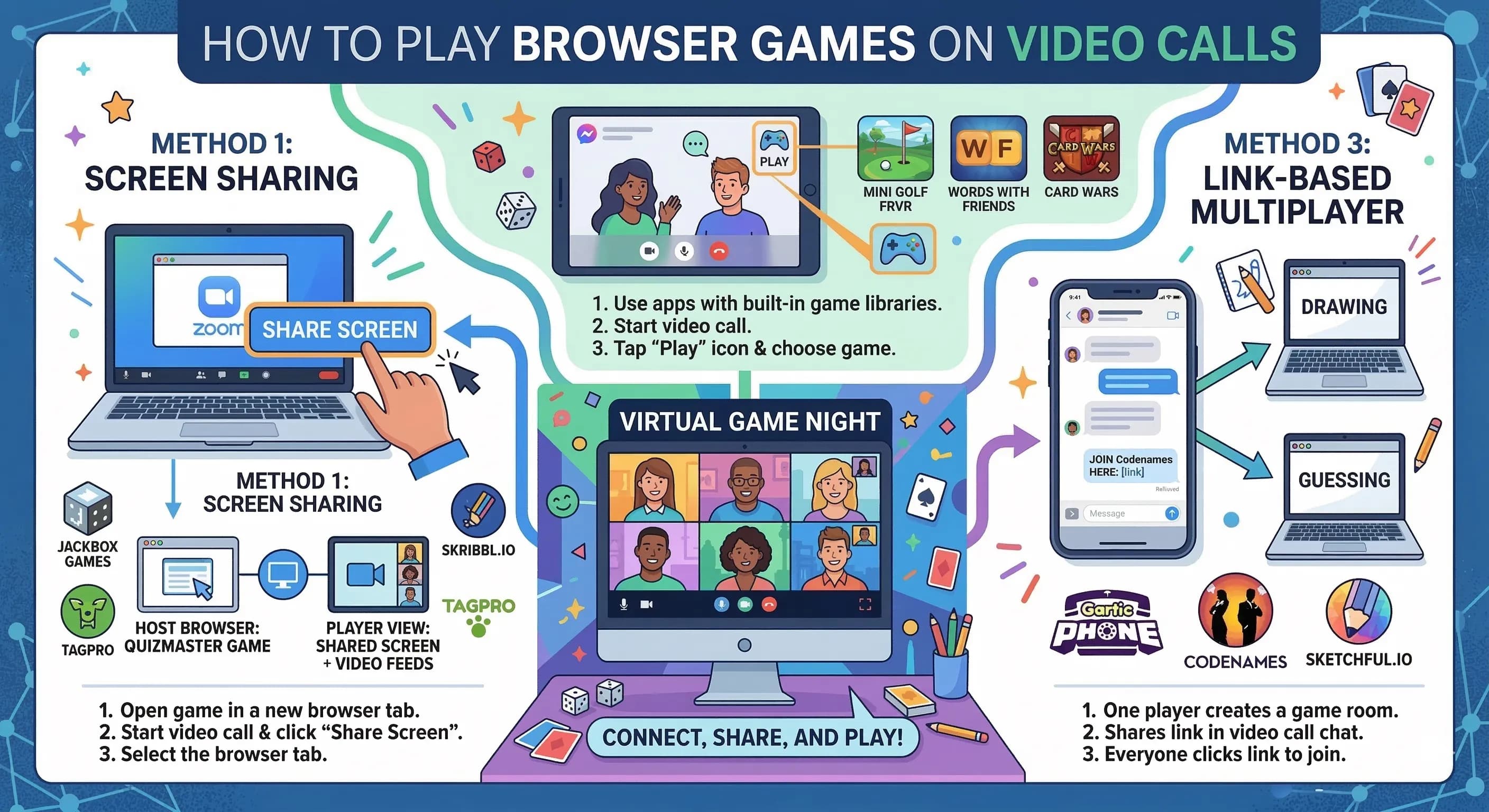
Skribbl.io has become a reliable family game night staple because drawing is a language that doesn't require vocabulary. Grandparents who struggle with complex game mechanics immediately understand "draw this word, everyone guesses." Create a private room and use the custom word list to add family-specific words — pet names, family holidays, inside jokes. Rounds take about 20 minutes and the gallery of drawings at the end is worth saving.
Kahoot Family Trivia
A family-themed trivia game on Kahoot requires one person to prepare questions in advance, but the payoff is worth it. Mix categories: general knowledge accessible to all ages, specific family history questions (what year did grandma and grandpa get married?), pop culture split by decade. The age-leveling effect of mixing question types means kids can beat adults on current pop culture while adults dominate the historical questions. Everyone wins at least some rounds.
Jackbox Party Pack (If One Person Owns It)
If someone in the family has a Jackbox Party Pack, the games inside it are specifically designed to work across age and tech comfort levels. Quiplash is rated T but can be played by teenagers with family-friendly prompts. Drawful 2 works for any age. Fibbage (a bluffing trivia game) has a family edition. One person streams via screen share while everyone else joins from their phone with a room code.
Gartic Phone — The Chain Drawing Game
Gartic Phone requires basic drawing and typing skills, but nothing beyond what a 10-year-old can handle. The reveal at the end — showing how a written phrase became a drawing became another phrase became another drawing — is almost universally hilarious and creates shareable moments the family will reference for months. Best with 6+ players, so ideal for larger extended family calls.
Making the Night Actually Work
The biggest challenge with family game nights isn't game selection — it's logistics. Here's what actually helps:
Set a firm start time and stick to it
Family calls have a specific entropy problem: no one thinks they're the last to join, so everyone joins 15 minutes late. State the start time, set a timer, and begin when the timer hits regardless of who's missing. Latecomers join the second round. This sounds harsh but it's the only thing that actually starts calls on time.
Designate one person as tech support
Before the game night, have one person (usually the most tech-comfortable family member) available five minutes early to help anyone who has trouble joining. A quick one-on-one screen share to walk someone through joining the game room takes two minutes and saves 10 minutes of group troubleshooting.
Keep rounds short and rotate games
For family groups especially, attention varies wildly by age. Keep any single game to 30–45 minutes maximum, then rotate to something different. Start with Word Impostor (fast rounds, easy explaining), then move to Skribbl.io for something more visual, then end with trivia if the group still has energy. Rotation keeps everyone engaged even if their favorite game isn't first.
Record memorable moments
Take screenshots of the funniest Gartic Phone chains, the most suspicious clues in Word Impostor, or the highest trivia scores. Share them in a family group chat afterward. These artifacts become part of family history in a way that vague memories of "that fun game night" don't.
Ready to plan your next family game night? Create a Word Impostor room — it's the easiest starting point, and the one game that will have a 70-year-old and a 12-year-old equally invested by round two.